Meet the Class
Meet the Class
Completion requirements
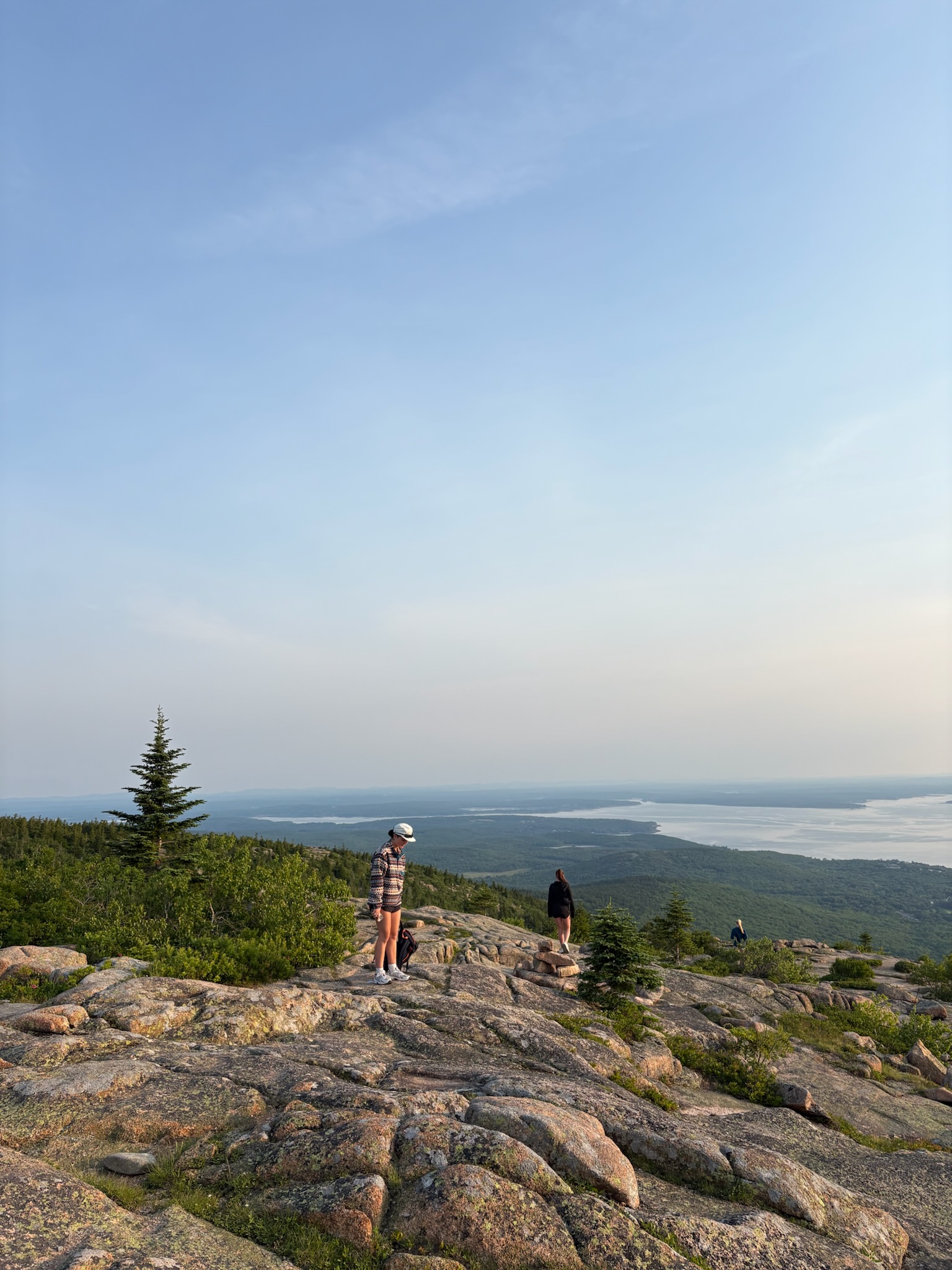
Let's get to know each other! Post a photo and bio to the "Meet the Class" forum.
1. Click “Add a new entry.”
2. Type your name in the “Concept” field.
3. Click the microphone icon in the "Definition" field. Give Moodle permission to access your computer’s microphone if necessary. Click “start recording” and say your name; when you’re done, click “finish recording.” An audio file will appear in the “Definition” field.
4. Post a photo of yourself by clicking the icon that looks like a mountain landscape. NOTE: Check the "auto size" box and reduce the photo to a width of 300 pixels or fewer before saving.
5. Below the photo, write 5-6 sentences introducing yourself to the class and explaining what's going on in the photo or why you chose it. Your writing won’t be graded, and it’s fine to be informal. We just want to get to know you.
In our classroom, it is important that we refer to everyone by the name and pronouns that they use. You are invited but not required to share the pronouns that you use. If at any time during the course you would like me to change the name or the pronouns I am using for you, please let me know. If anyone is inadvertently misgendered, misnamed, or has their name mispronounced, I ask that we correct the error politely and move on.